
Here's the mistake we see most often at Smithtown Volkswagen in St. James: someone reads about a cool feature online, assumes every Atlas Cross Sport has it, and later finds out the one they bought doesn't. This guide walks through the tech you'll actually find in the Cross Sport, which pieces depend on trim and year, and how to check it all before you sign anything.
- Doesn't every Atlas Cross Sport have the same tech?
- What will I actually see and touch from the driver's seat?
- Will my phone work with it?
- What driver-assistance features does it have?
- What parking, camera, and comfort tech should I look for?
- How do I test all this tech before I buy?
- How much does the tech add, and when's the best time to buy?
- Key takeaways
Doesn't every Atlas Cross Sport have the same tech?
Nope, and that's the trap. Volkswagen builds the Cross Sport in several trims, and the features step up as you climb. A heated steering wheel, an overhead camera view, or upgraded audio might be on one SUV and missing from another that looks nearly identical in the lot.
Model year matters just as much as trim. Volkswagen gave the Cross Sport a redesigned interior for 2024, so a 2022 and a 2025 at the same trim level feel noticeably different from the driver's seat. Trim names have also shifted over the years, which makes it easy to compare the wrong things.
Before you fall for a particular Cross Sport, check these:
- The window sticker or original build sheet, tied to that vehicle's VIN
- The trim badge and model year, not just the color and wheels
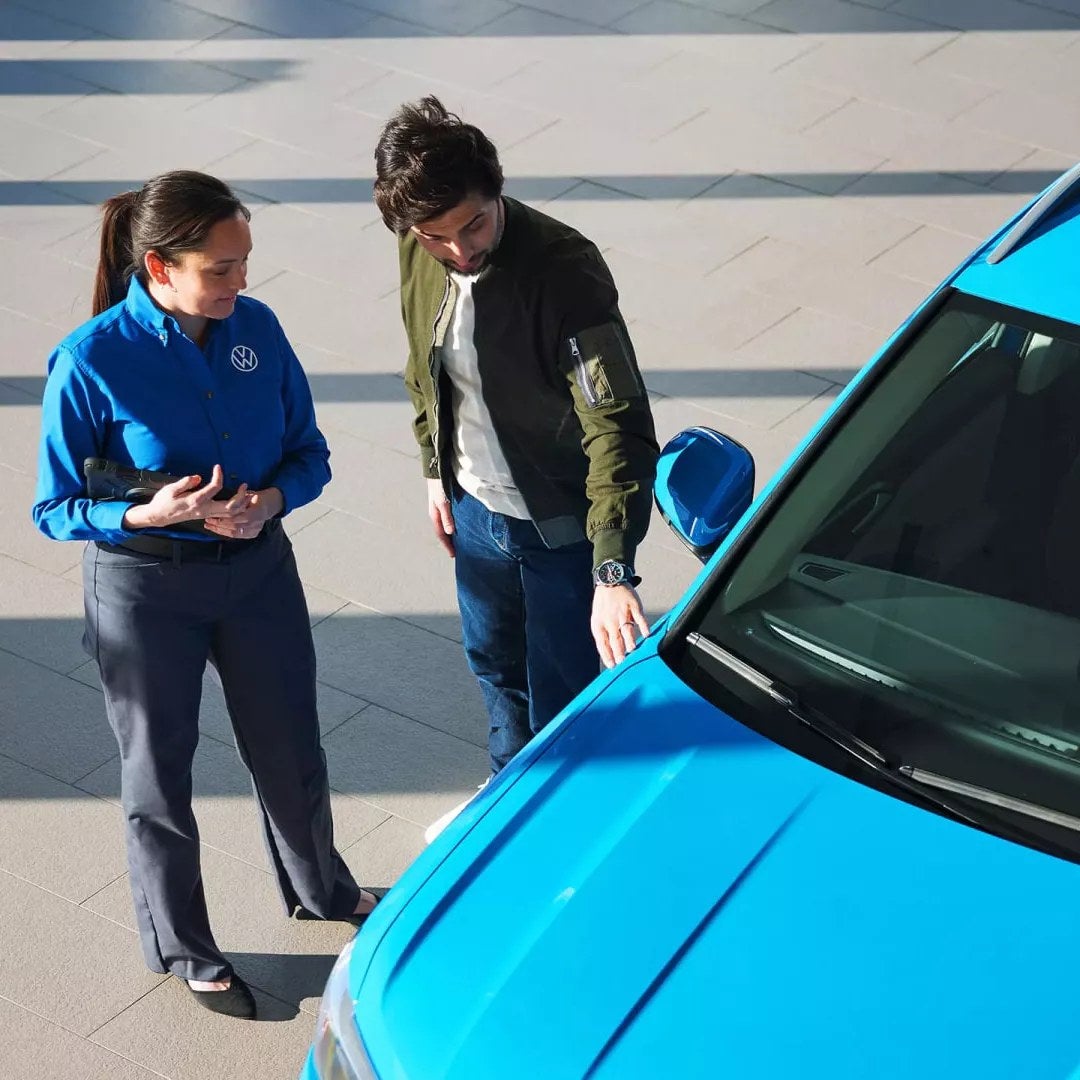
- A quick walk-through of the screens with someone who knows the menus
If you're shopping new, you can browse our new Atlas Cross Sport inventory and compare trims side by side. Get that habit down first and everything else in this guide gets easier.
What will I actually see and touch from the driver's seat?
Right in front of you is Volkswagen's Digital Cockpit, a screen that replaces old-school gauges. You can switch what it shows, so speed and fuel can share space with trip info, driver-assist status, or a map on trims with built-in navigation. Having directions right behind the steering wheel means fewer glances over to the center of the dash.
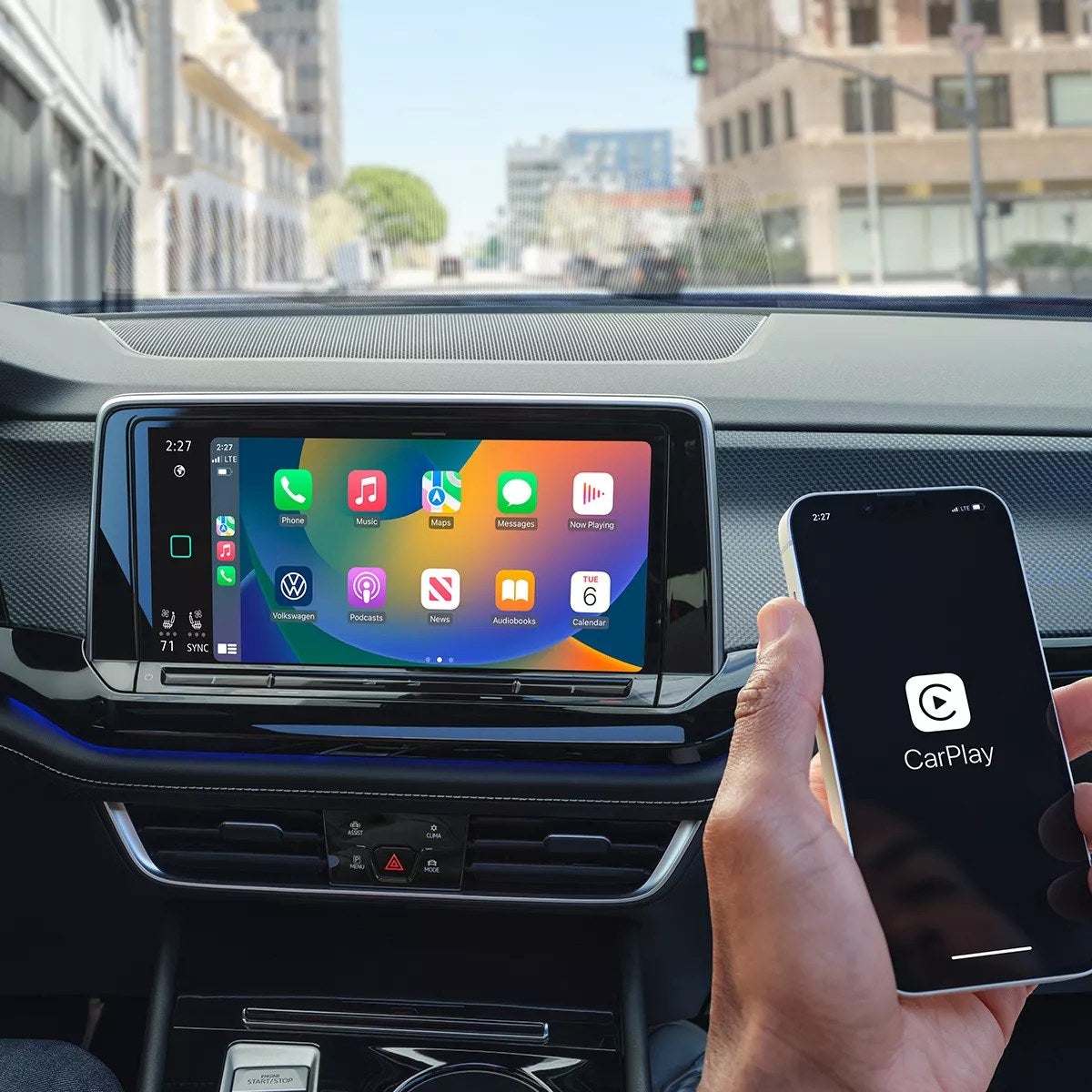
That center touchscreen runs your audio, phone, vehicle settings, and navigation where it's equipped. Voice control lets you call someone or change a destination without poking through menus. Steering wheel buttons cover the basics like volume and cruise control.
One thing to know about newer models: Volkswagen moved a lot of controls to touch-sensitive surfaces, including climate settings. Plenty of drivers get used to it within a week. Others want physical knobs and buttons. Try adjusting the temperature and fan while parked, then again while someone else drives, and see how it feels to you. That five-minute test tells you more than any review will.
Will my phone work with it?
Almost certainly, though how it connects depends on the year.
Phone mirroring
Volkswagen calls its smartphone system App-Connect, and it runs Apple CarPlay and Android Auto. Many newer Cross Sports handle this wirelessly, so your phone connects as soon as you get in. Older ones may need a cable. Newer models also use USB-C ports, so if your cord ends in the older USB-A plug, you'll want an adapter or a new cable in the glovebox.
A wireless charging pad shows up on many trims, which pairs nicely with wireless CarPlay or Android Auto. Your phone charges and runs your maps without a cord dangling across the console.
The Car-Net app
VW Car-Net puts some controls on your phone, like locking the doors, checking vehicle status, and on equipped models starting the engine remotely. Some services run on a subscription after a trial period, so ask what's active on the specific car you're looking at.
If connectivity acts up down the road, you can book service with us. Our service team handles routine work and complex diagnostics, including electrical and software gremlins.
What driver-assistance features does it have?
Volkswagen bundles most of its safety and convenience tech under the name IQ.DRIVE. Here's what's in the group and what each piece does for you:
- Front Assist watches for slowing traffic and pedestrians ahead and can brake if you don't react in time
- Blind Spot Monitor warns you about cars hiding beside you before you change lanes
- Rear Traffic Alert flags cross traffic when you back out of a parking spot
- Lane Assist nudges you back if you drift out of your lane
- Adaptive Cruise Control keeps a set gap from the car ahead and adjusts speed with traffic
- Travel Assist combines adaptive cruise with steering help to keep you centered in the lane
On recent model years, much of this comes standard, but older and lower trims can be missing pieces, so check.
A quick word on Travel Assist: it isn't self-driving. Your hands need to stay on the wheel, and the system will remind you if they don't. Where it shines is a long stretch on the LIE or a weekend trip upstate, where it takes some of the strain out of constant small corrections.
What parking, camera, and comfort tech should I look for?
Parking and cameras
A rearview camera comes on every Cross Sport. Many trims add Park Distance Control, which uses sensors to beep as you get close to a pole, a curb, or the car behind you. Higher trims can include Area View, a top-down camera image that makes tight spots, like a crowded lot on a Saturday, much less stressful. If you parallel park often or squeeze into a narrow garage, that overhead view earns its keep fast.
Comfort and convenience
This is where trims really separate. Depending on the vehicle, you might find:
- Heated front seats, and on some trims ventilated ones for humid summers
- A heated steering wheel, which Long Island winters make easy to appreciate
- Harman Kardon premium audio
- Ambient interior lighting you can change to suit your mood
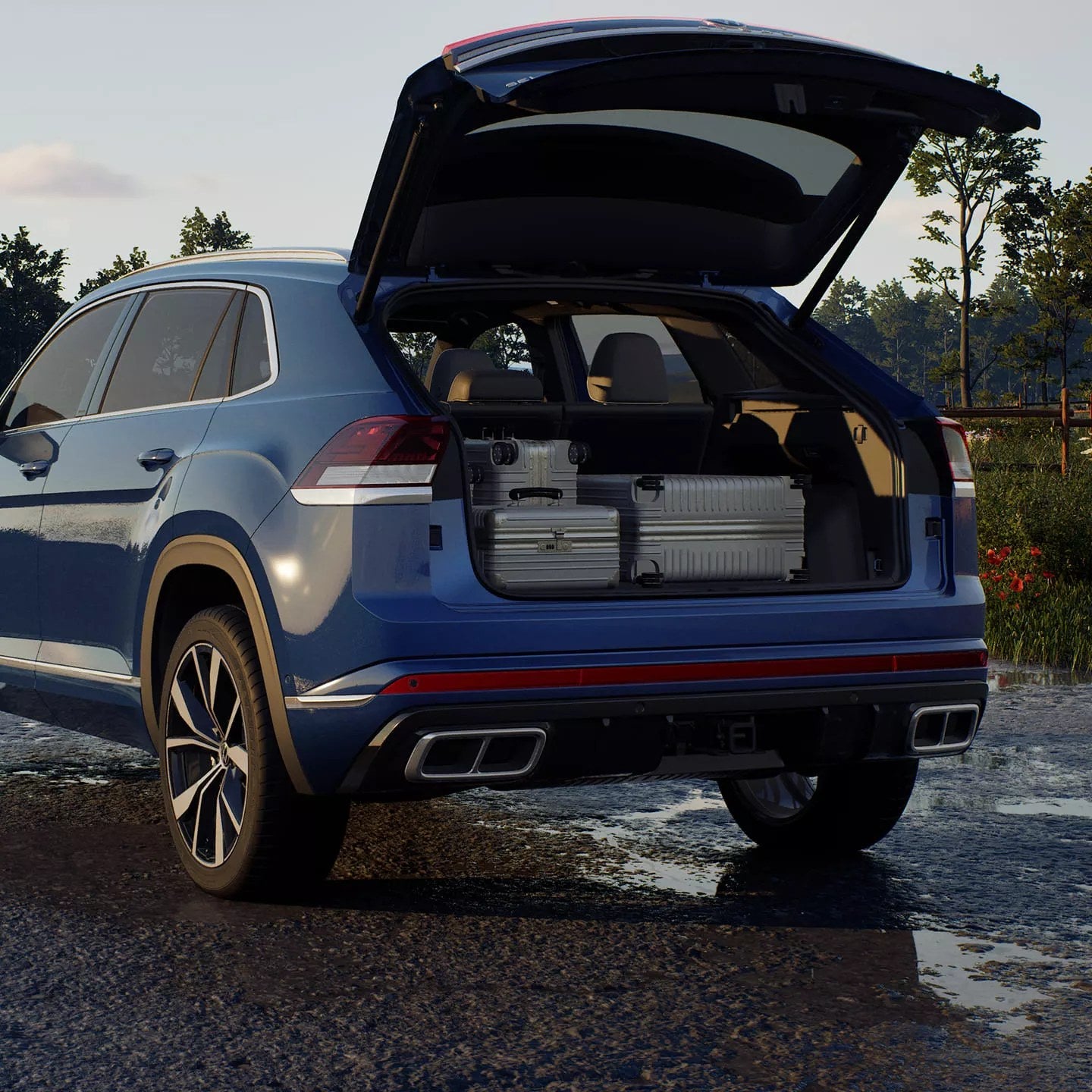
- A power liftgate with hands-free opening, handy when your arms are full
Automatic high beams through Light Assist show up on many models too. Decide which of these you'd use every day and which are just nice to have. That list makes choosing a trim far simpler.
How do I test all this tech before I buy?
Treat the test drive like a tech check, not just a spin around the block. When you book a test drive, plan for a little extra time and bring your phone and the cable you normally use.
Here's a simple run-through:
- Pair your phone and open your usual maps and music apps
- Make a call using voice commands
- Adjust climate, seat heat, and audio while the car is moving
- Try adaptive cruise and Travel Assist on a highway stretch like the Northern State
- Back into a spot using the camera and parking sensors
Ask the person riding along to walk you through the settings menus. Lots of features, like how loud the lane alerts are or what the Digital Cockpit displays, can be adjusted, and owners sometimes switch off something useful just because the default bugged them.
If you're deciding between two trims, drive both back to back if you can. Comparing them on the same day, on the same roads, makes the differences obvious in a way a spec sheet can't.
How much does the tech add, and when's the best time to buy?
Most of the cost of extra tech lives in the trim jump. You usually can't add an overhead camera or premium audio later, so the trim you pick is the tech you'll live with. That's why the must-have list from earlier matters so much.
Used is worth a look too. An older Cross Sport may not have the redesigned interior or wireless phone connection, but it can still carry IQ.DRIVE features and plenty of comfort tech for less money. Smithtown Volkswagen is a full Volkswagen dealership in St. James with new, used, and Volkswagen Certified Pre-Owned vehicles, so you can compare all three in one visit. A Certified Pre-Owned Atlas Cross Sport is a solid middle ground if you want a newer used vehicle that's been through Volkswagen's inspection process.
Timing-wise, model-year changeovers and seasonal offers can shift what makes sense for your budget. Check current offers before you visit, and if you're financing, talk through options with us early. Rates and approval depend on your situation, but knowing your numbers keeps you focused on the right trim.
St James, NY
- Tech varies a lot by trim and model year, so confirm features on the exact vehicle you're considering.
- IQ.DRIVE helps on long highway drives, but you still steer, watch the road, and stay in charge.
- Pair your phone and try the menus and controls on a test drive before you commit.
FAQ Common questionsDoes the Atlas Cross Sport have built-in navigation?Some trims do, and those can show your map right on the Digital Cockpit in front of you. On trims without it, Apple CarPlay or Android Auto lets you run Google Maps, Apple Maps, or Waze on the center screen, which is what a lot of drivers end up using anyway. Can I add features to my Cross Sport after I buy it?Hardware like cameras, premium speakers, or ventilated seats generally can't be added later in any practical way. Some connected services through VW Car-Net can be activated or renewed, and software updates may improve how existing systems work, but plan on the trim you buy being the tech you keep. Is Travel Assist the same as a self-driving system?No. Travel Assist helps with speed, following distance, and staying centered in your lane, but you have to keep your hands on the wheel and your eyes on the road. Think of it as a helper that eases the workload on longer drives, not a replacement for you. |
Want to see it in person? Come by for a test drive, or browse what is on the lot right now. Or call (631) 652-9887 · 530 NY-25, St James |